The AI Christmas Photo Trend
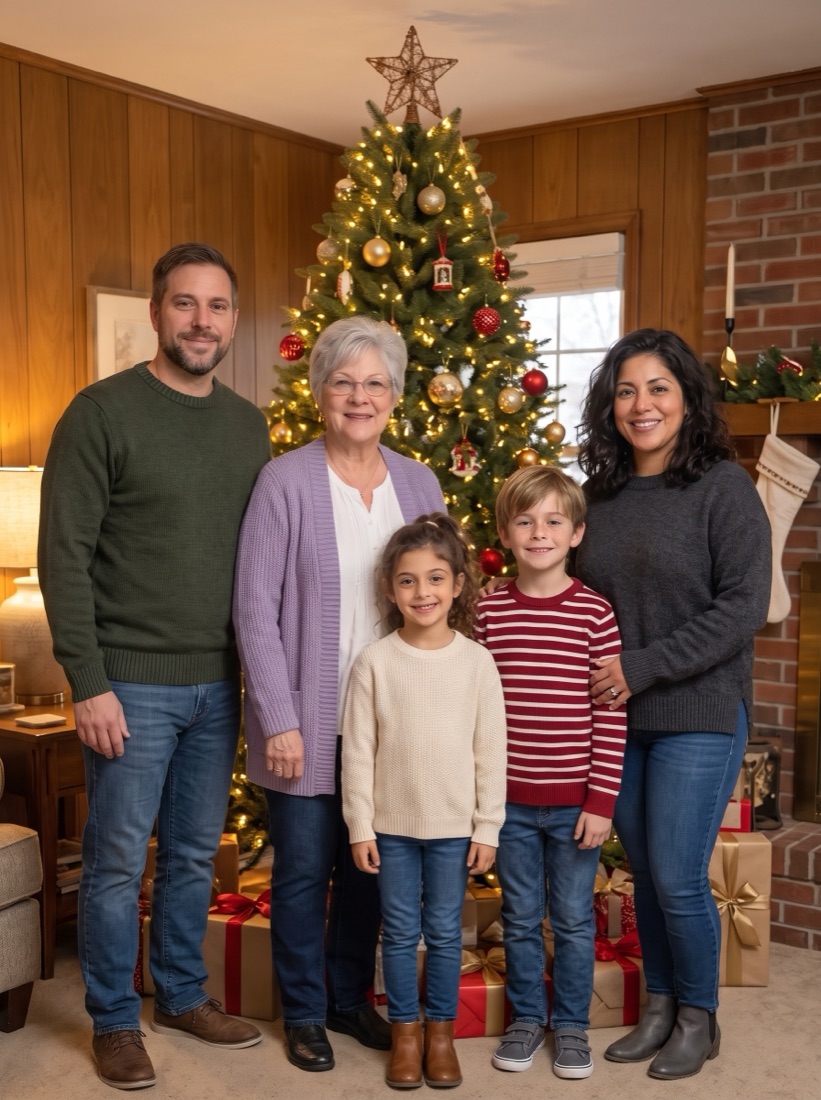
The AI Christmas photo trend turns ordinary photos into Christmas portraits: families in matching pajamas, couples by the tree, pets in Santa hats. Here is what it is, how to do it, and how to put your whole family in one photo.
- Every face stays theirs — kids, grandparents and pets too
- No prompts, no photo shoot: one photo per person
- Free preview in a minute or two — check every face before you pay
- Up to 6 photos, people and pets counted automatically, HD packs from $9.99

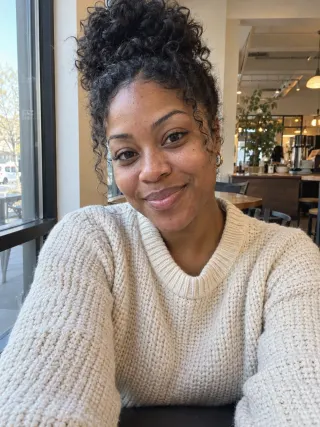
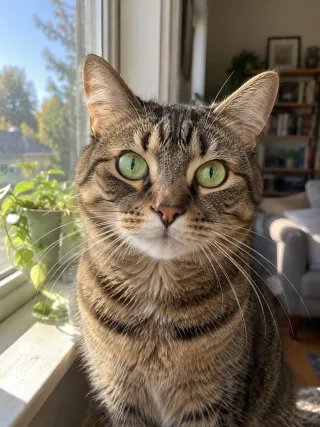
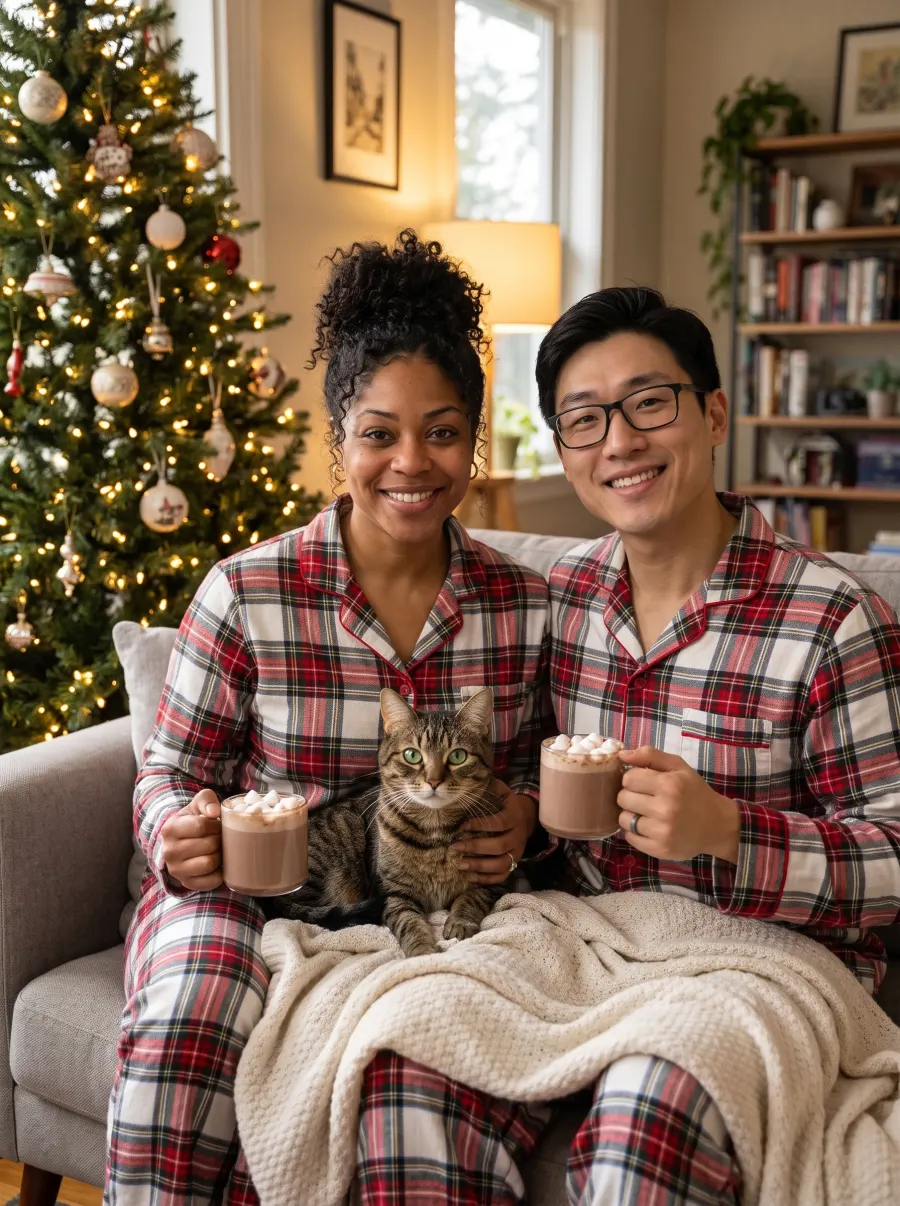
Together for Christmas
AI-generated example · fictional people
What is the AI Christmas photo trend?
It is turning an ordinary photo into a Christmas portrait with an AI image tool. In December 2025 people used ChatGPT and Google’s Gemini (Nano Banana) to put families in matching pajamas, couples by the tree and pets in Santa hats, and shared the prompts that made them.
Most people did it with one photo and one prompt. That works well for a selfie or a couple; with several people from separate photos, general image tools often blend or change the faces.
How to do the AI Christmas photo trend
In ChatGPT or Gemini: pick a prompt (our ChatGPT Christmas photo prompts are below), upload clear, front-facing photos, paste the prompt and add a line asking it to keep every face exactly the same. If a face changes, regenerate or try a clearer photo.
Here, with no prompt: upload one photo of each person or pet, or one group photo, and pick a scene. Check every face in your free preview, made in a minute or two. If you love it, unlock it in HD, send it as an online card or print it.
Why do people make AI Christmas photos?
Because getting everyone in one room is hard. Grandparents live in another state, kids spend the holidays between two homes, and the dog never sits still. With AI, one ordinary photo of each person is enough for this year’s family picture, Christmas card or matching profile pictures.
Trend looks you can make here
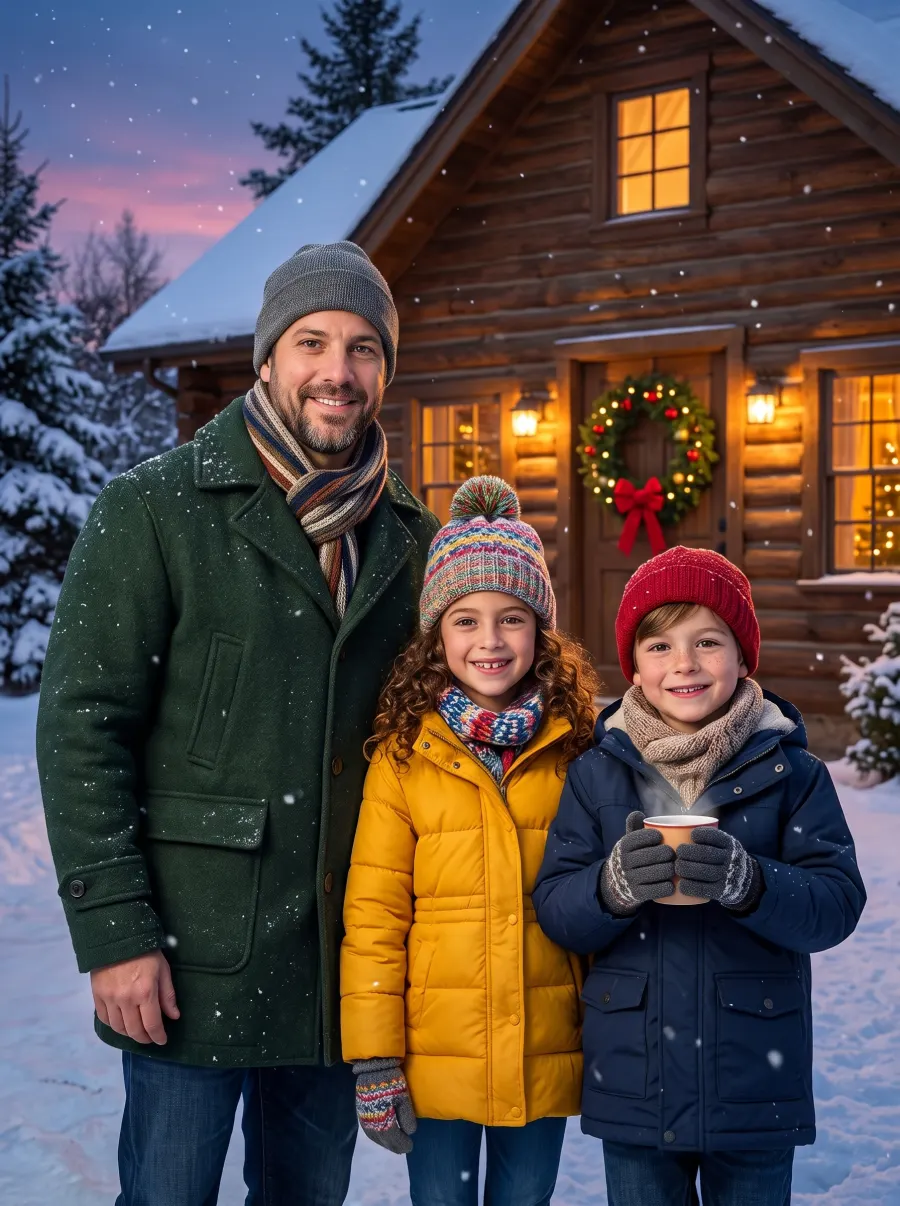
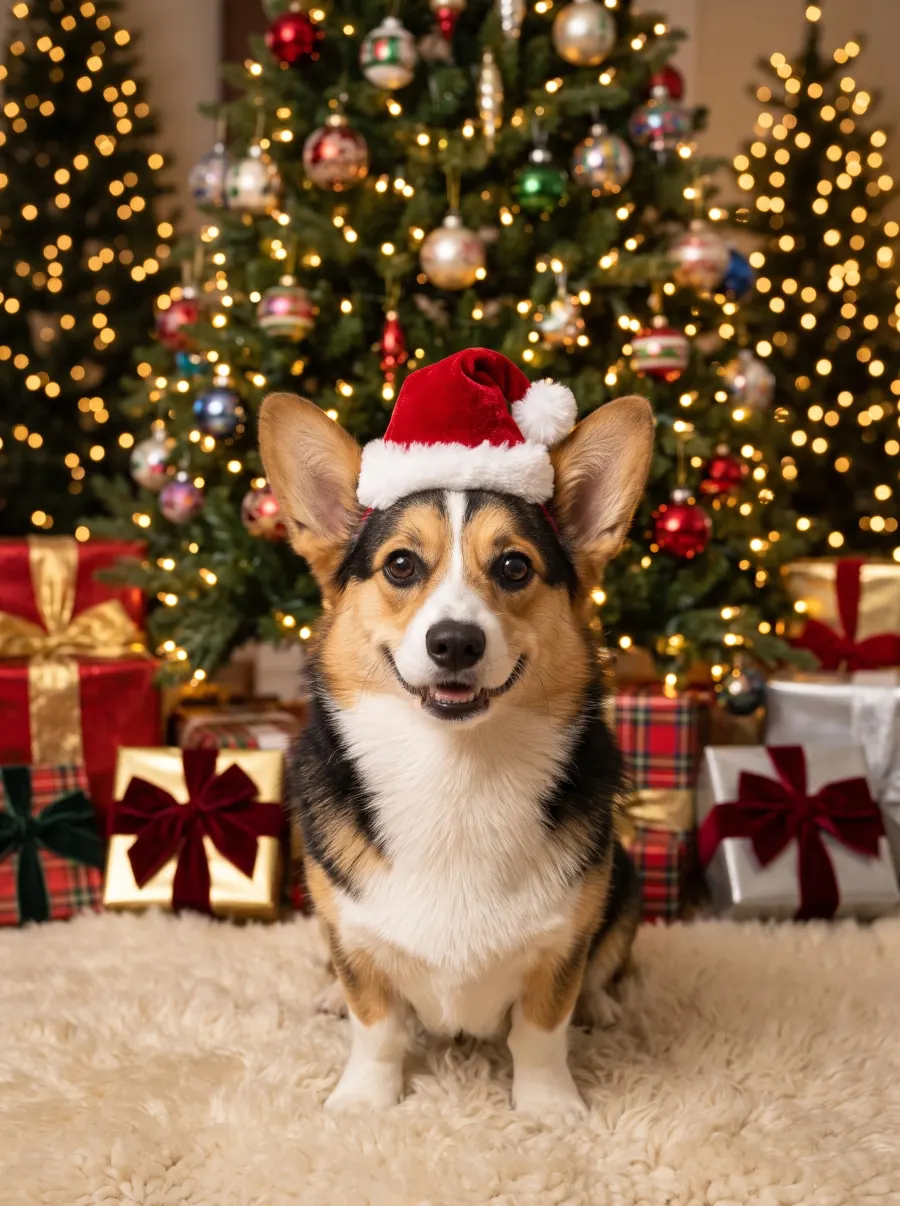
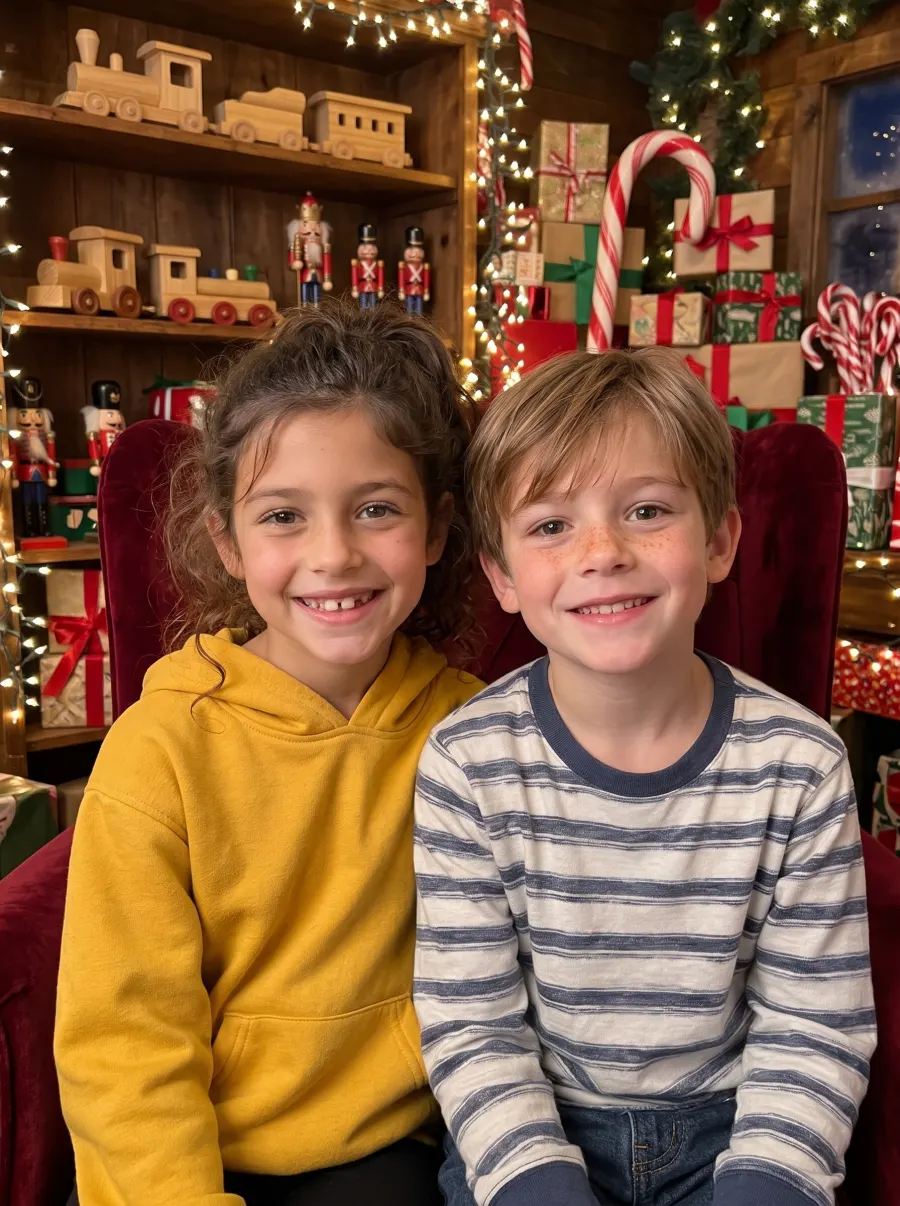
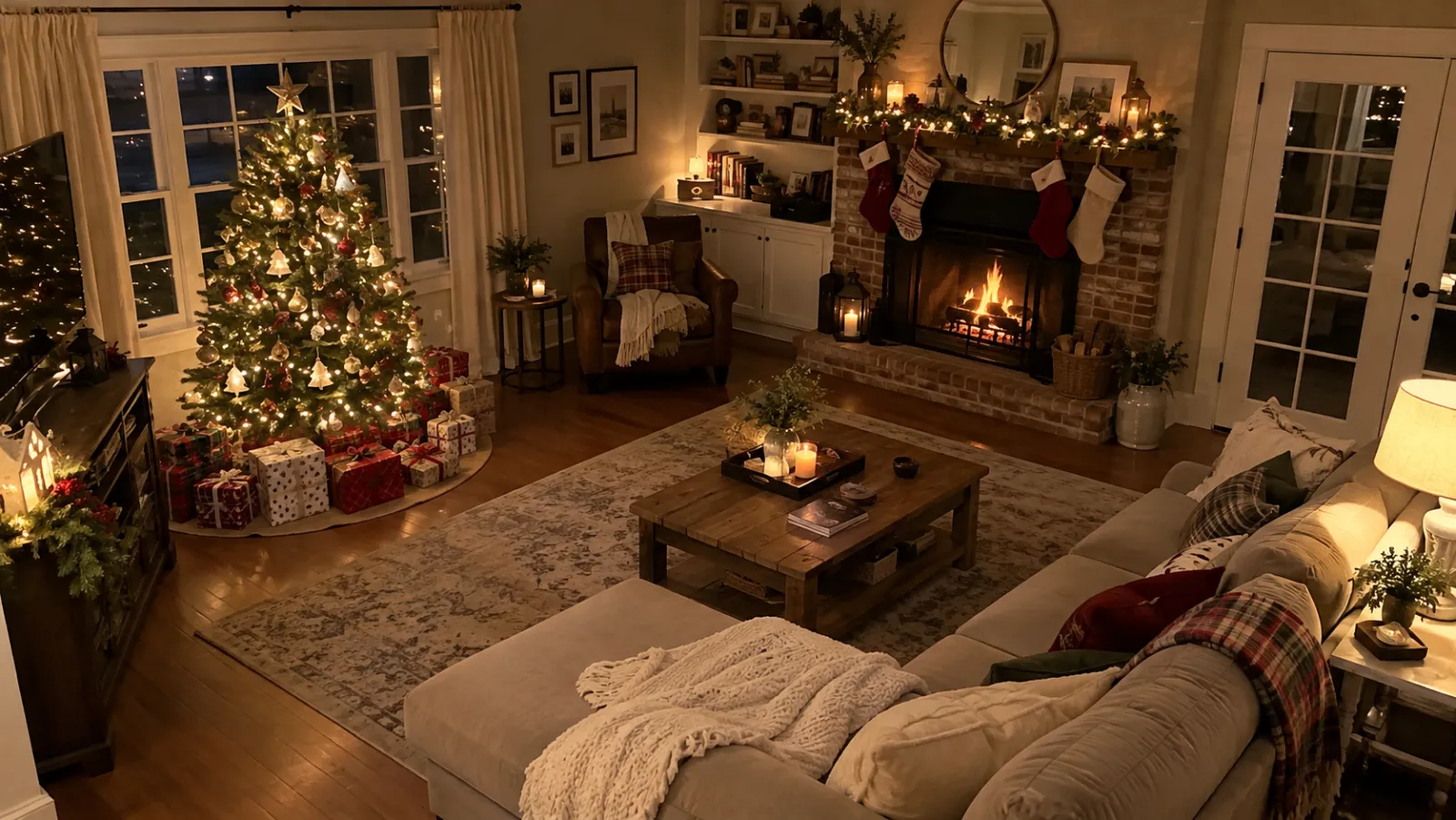
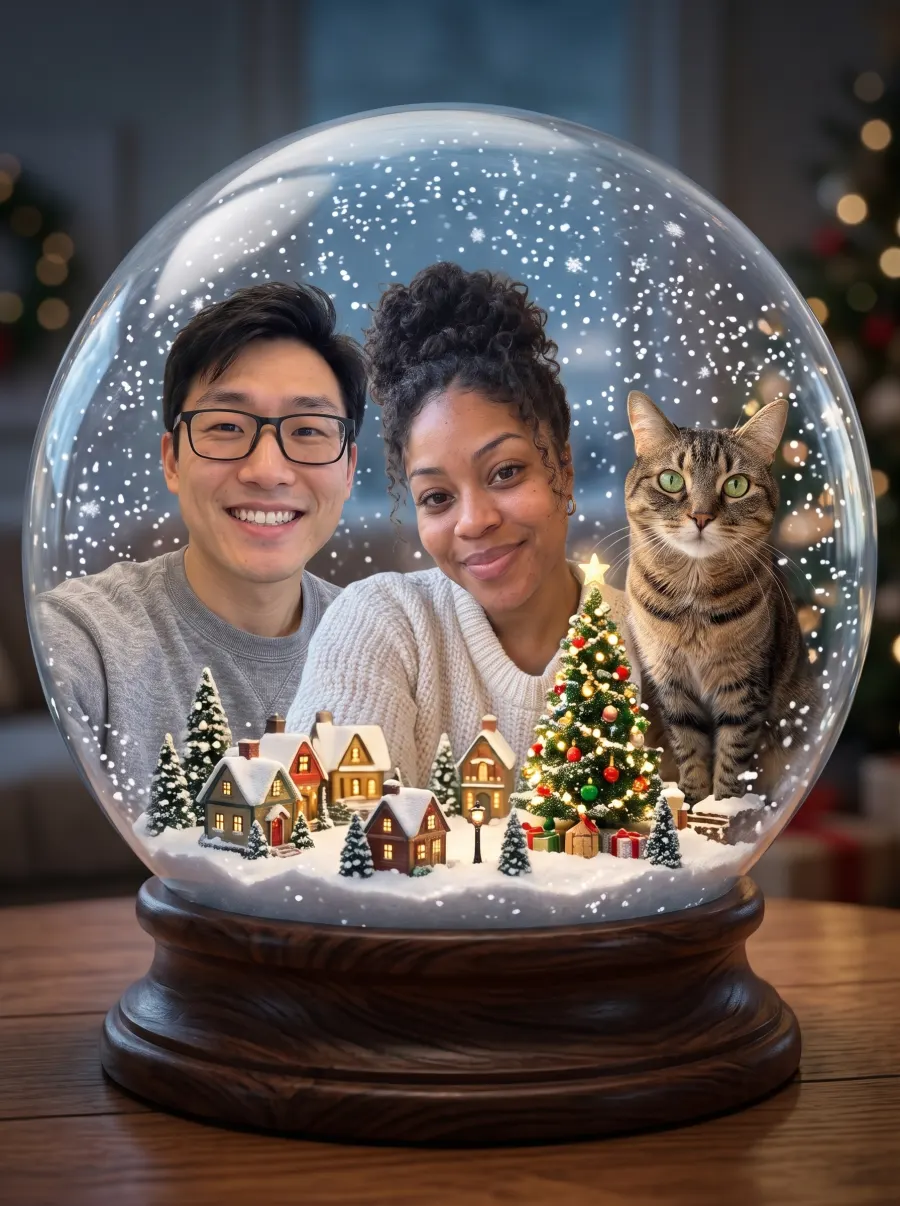
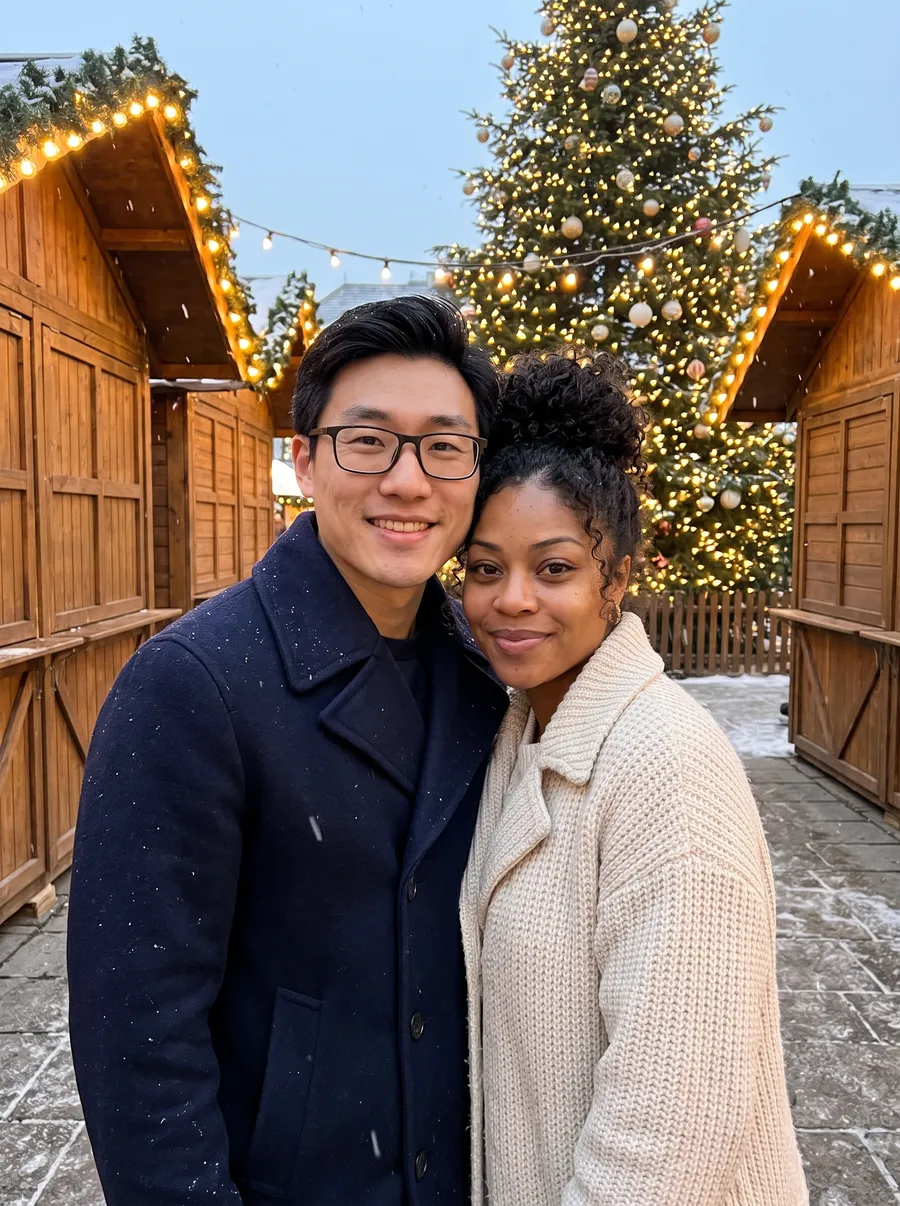
Six family scenes: in front of the tree, matching plaid pajamas, a snowy log cabin, by the fireplace, Santa’s workshop and a Christmas market. With separate photos you can also make a snow globe portrait, four pet looks, and a 10-second video with Make it move.
Doing it in ChatGPT or Gemini? Copy our ChatGPT Christmas photo prompts or try the newest trend look, the AI snow globe portrait.
Pick a scene, add your photos
One photo per person or pet · no sign-up
Who's in the photo?
One photo per person or pet, each taken anywhere. Clear, front-facing faces work best — kids and pets welcome.
Pick your Christmas scene
Free preview, no sign-up, no card. Unlock HD when you love it.
AI-generated example · fictional peopleMade from these 3 separate photos
- Free preview
- 1 photo, watermarked
- Starter — $9.99
- 12 credits: up to 12 HD photos or 1 video
- Family — $19.99
- 50 credits: up to 50 HD photos or 5 videos
- Your photo is ready in a minute or two.
- Photos auto-delete within 7 days. Never used for training.
No sign-up to try
Make your free preview without an account or card.
Upload from your phone
On a computer? Scan a QR code and add photos from your phone.
Free preview, one free retry
See your first photo free, watermarked, and retry it once.
Checked automatically
We check each upload, then count people and pets in every picture and redraw once for free if it’s off.
AI family Christmas photos from separate photos
Each person and pet sent one ordinary photo. We made these on November 2, 2026 with the same pipeline you use. Each run makes 4 photos and we picked 1, with fictional people, so they show what’s possible, not a success rate.
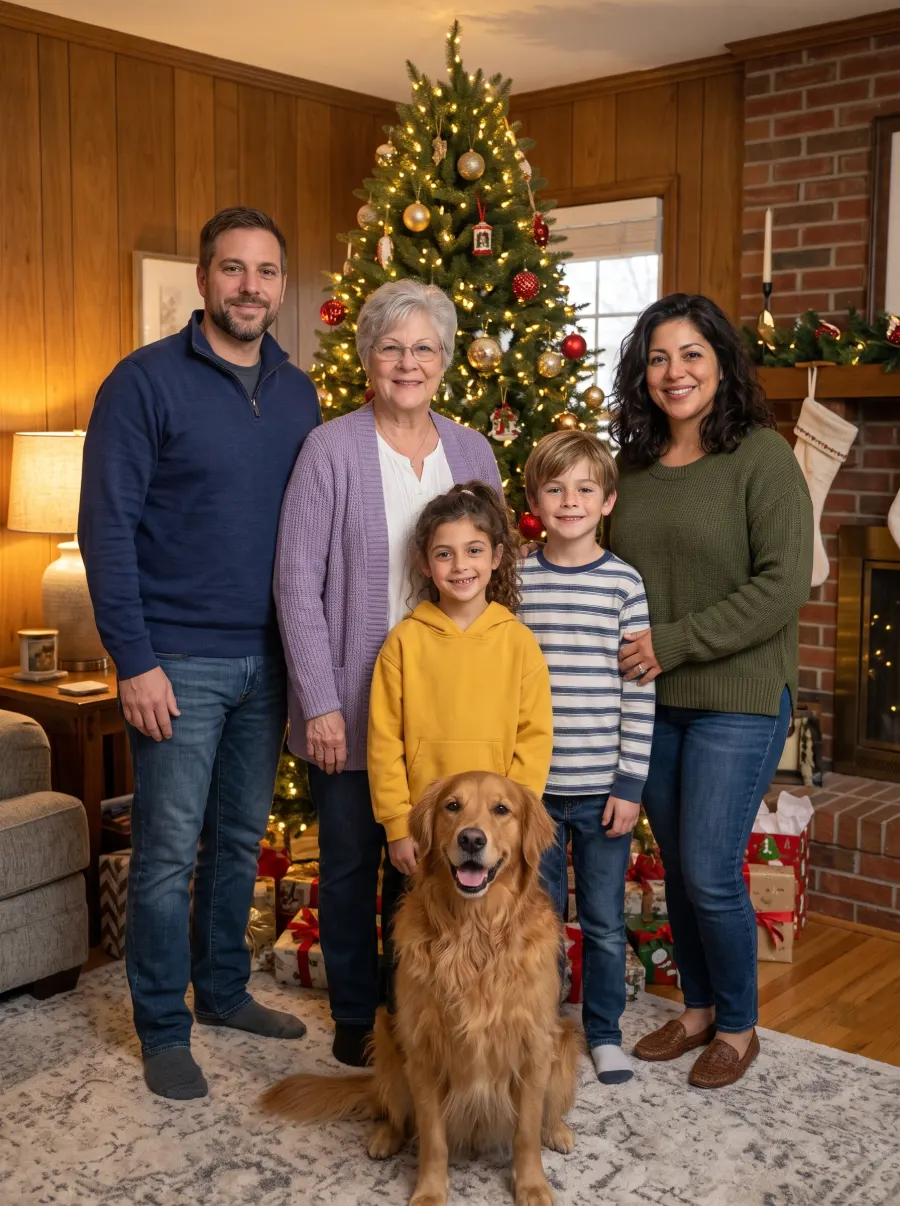


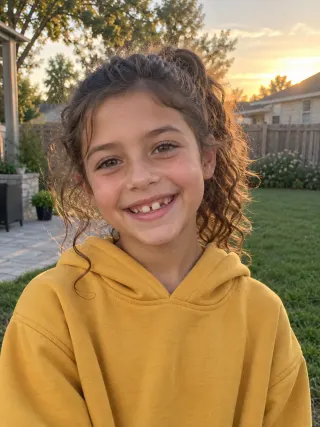
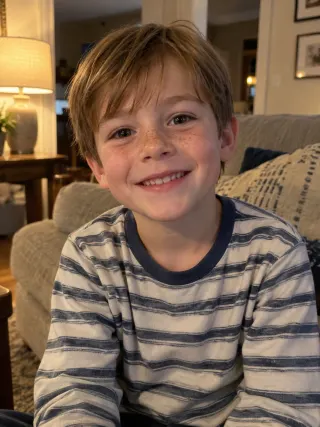
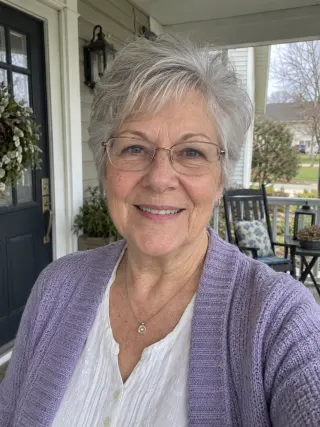
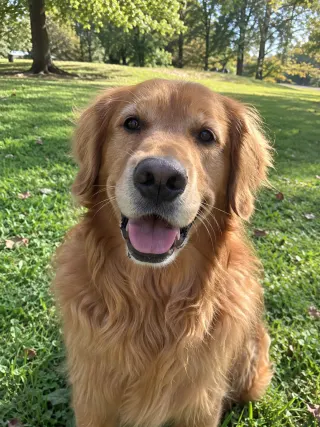 6 photos used
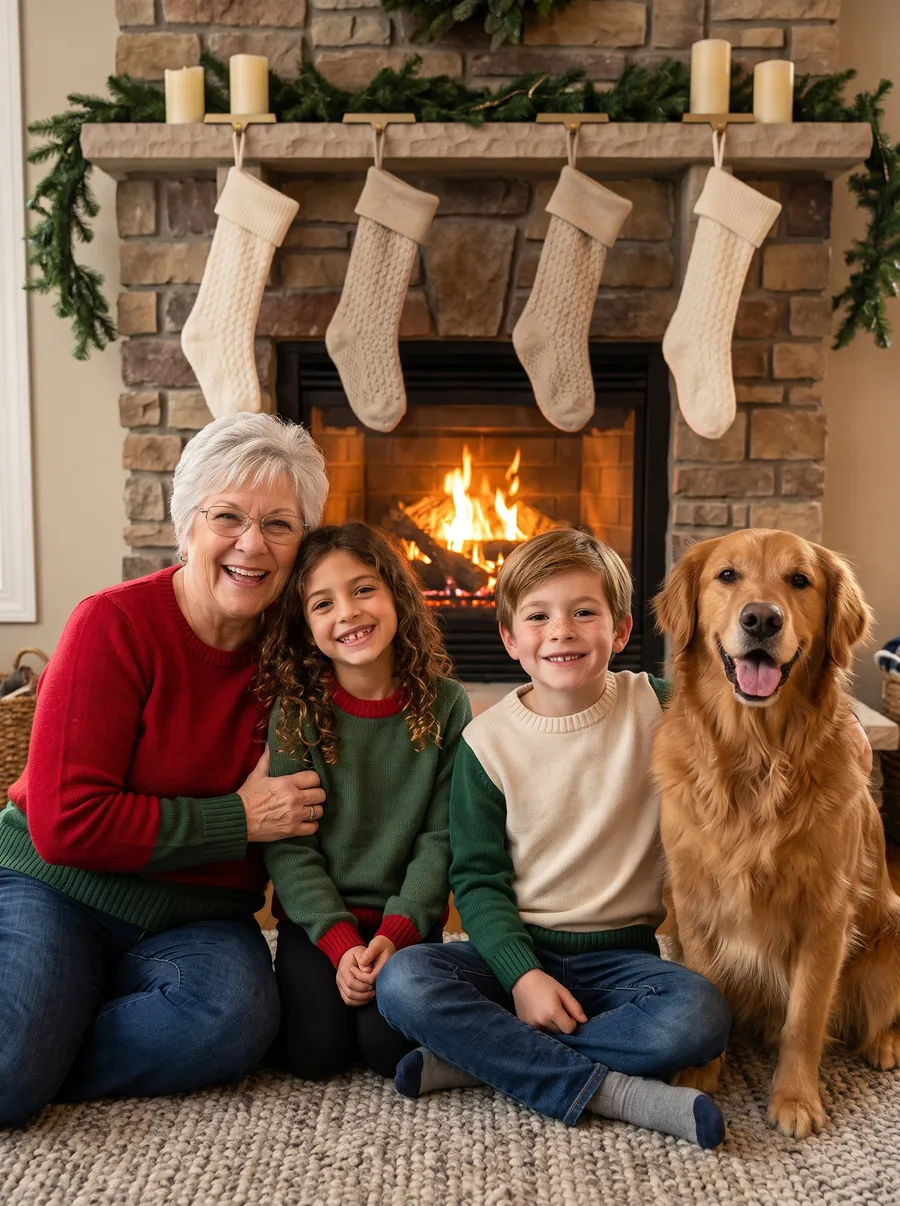 4 photos used3 photos used
AI-generated example · fictional people
See all 11 examples next to their source photos, with notes on what changed
How it works
- 1
One photo each
A selfie from Mom, a snap of Grandma, the dog on the lawn. Up to 6, one each. We read each photo automatically: no labels, no prompts.
- 2
Pick a scene
Tree, matching pajamas, snowy cabin, fireplace, Santa’s workshop or market.
- 3
See it free, then keep it
A free preview in a minute or two. Not quite right? Try once more free, with the same photos or one swapped. Unlock HD when you love it.
One AI Christmas photo, three ways to share it
Merry Christmas!
Online card link
Opens like an envelope, with snow and music. Free to send.
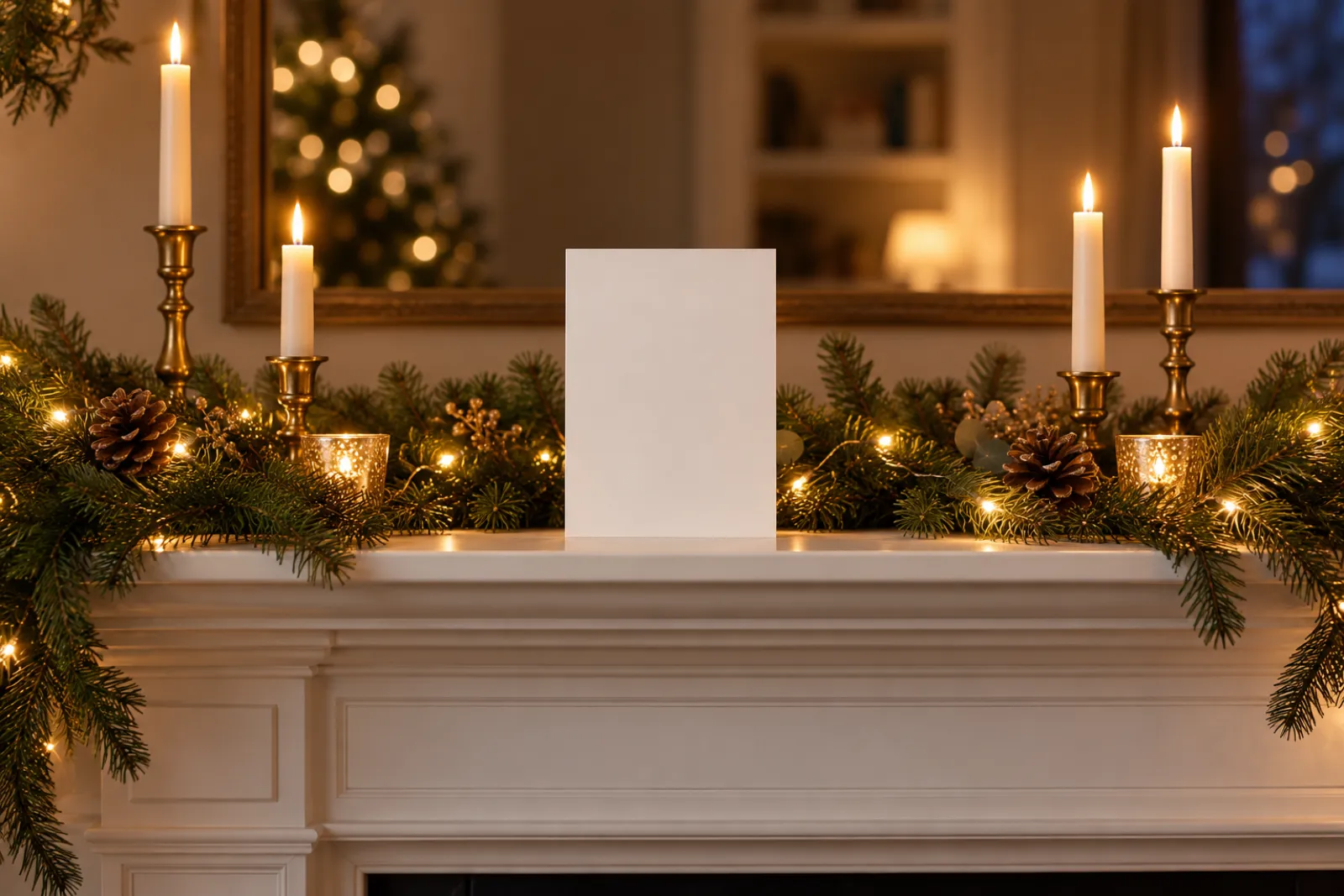
Printable 5×7
300 dpi PNG or PDF — print at home, Walgreens, CVS or Costco.
Make it move
A 10-second video with music: waving, snowfall or a gift.
Also from any HD photo: a Christmas profile picture of each person and pet
Make your Christmas photo move
Tap Make it move under any photo for a 10-second vertical video with music — the same faces, now moving. Made for Stories, WhatsApp and the family group chat. See every motion on our AI Christmas video generator and pick yours.
- Wave & say “Merry Christmas”Everyone smiles and waves at the camera.
- Snowfall & lightsSnow starts falling and everyone smiles and laughs at the camera.
- Unwrap a giftA present appears and golden sparkles fly out.
Also try Santa caught on camera and the elf dance AI video.
Your family’s photos, handled with care
Read the privacy policy in plain English.
Want to know who’s behind this? About AI Christmas
Every face stays theirs
Each person and pet has their own reference photo — and you check every face in the free preview before paying.
Deleted within 7 days
Uploads, photos and videos are deleted from our servers within 7 days; online cards after 90 days. Never used to train AI.
Parents upload kids
Children’s photos only from a parent or guardian.
Failed? Credits back
If a photo or video fails, credits return automatically.
Consent comes first
Only upload people who agreed to be in the picture.
What we won’t make
No sexual content, no deepfakes or impersonation, and nothing that harms children.
Checked automatically
We automatically check each picture for the right number of people and pets, and redraw it once for free if it’s off.
A free redo if it goes wrong
Someone missing, badly distorted, or not recognizable in any picture of a paid run? Tell us within 7 days for one free redo after review.
Simple, one-time pricing
Start with a free preview. Pay once — no subscription, and no photo shoot to book.
Credits are shared: each HD photo uses 1, each 10‑sec video uses 10. Spend them on any mix. Credits never expire.
One-time payment, no subscription.
HD photos are 2K; the card maker exports a print-ready 5×7.
Each run makes 4 HD photos and uses 4 credits. Unlocking your free preview in HD uses 1 credit. Serious defect in a paid photo? Tell us within 7 days for one free redo after review.
Questions, answered
Can I do the AI Christmas photo trend for free in ChatGPT or Gemini?
For a single selfie, often yes: their free tiers have daily limits, and Gemini adds a visible watermark. For a family photo from separate photos of each person, our first preview is free with no sign-up, and it comes with one free retry.
Is it free?
Your first preview is free — no sign-up and no card. It is a watermarked, lower-resolution preview so you can check the faces. Not quite right? You get one free retry of that preview, with the same photos or one of them swapped. If you love it, unlock it in HD (2K, no watermark) from $9.99 (Starter, 12 credits); the Family pack is $19.99 for 50 credits. Each paid run makes 4 HD photos and uses 4 credits (fewer if your balance is lower); unlocking your free preview in HD uses 1 credit, and if you buy a pack from the preview you get that photo in HD plus 3 more right away.
Will everyone actually look like themselves?
Every person and pet gets their own reference photo, and the AI is told to keep each face — face shape, eyes, smile, hair, skin tone, glasses and age — instead of inventing new ones. It still draws a new picture, so a face, an age, a pair of glasses or a pet’s markings can come out slightly different. That is why you check every face in the free preview before you pay; if someone looks off, try a clearer, front-facing photo of them. You can add up to 6 photos in total (people and pets); faces stay most accurate with up to 5 people in one picture, so for bigger families make two pictures.
Can I include kids and pets?
Yes — kids, grandparents, dogs and cats are all welcome. Upload one photo per person or pet (you need to be the parent or guardian to upload a child’s photo).
How long does it take?
Photos take a minute or two. Videos take about 10 minutes (sometimes up to 15); you can close the page and find them in My Creations.
What happens to my photos?
Your photos are used only to make your creations and are never used to train AI models. Your uploads and the photos and videos you create are deleted automatically within 7 days; online cards stay up for 90 days so you can send them through the holidays. You can delete anything sooner in My Creations. Download the ones you love.
Updated November 12, 2026 · By the AI Christmas team
Your family Christmas photo, without the photo shoot
Upload everyone’s photo, pick a scene, see your free preview in a minute or two.