AI Christmas Photo Examples
Each example below sits next to the separate photos it was made from, so you can compare every face yourself.
How these examples were made
All people and pets here are fictional: the source photos were made with an AI image model, so no real family appears on this site.
Each result was made on November 2, 2026 by the same generation pipeline you use, from exactly the source photos shown next to it. Each run makes 4 photos; we picked one per scene. Images are shown smaller here (900×1206 px); paid photos are 2K (about 1792×2400 px).
These examples show what the scenes look like and how separate photos are combined. They are not customer photos and not a success rate, and your family may come out differently. Your own free preview is the check that matters.
Christmas Tree
 Mom
 Dad
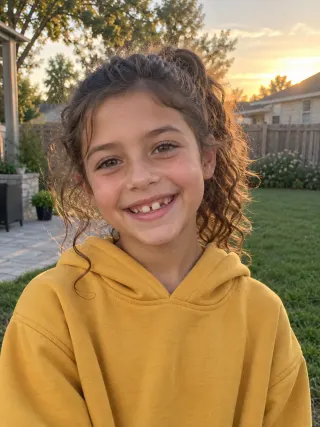 Maya, 9
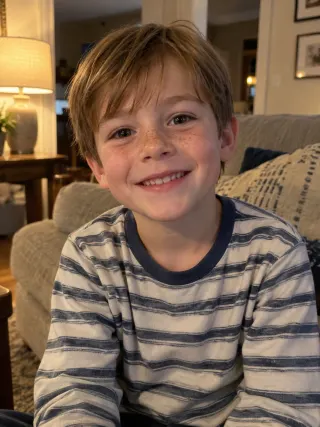 Leo, 5
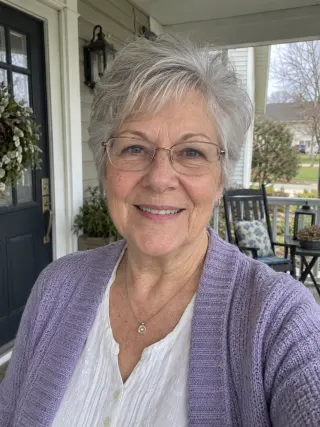 Grandma
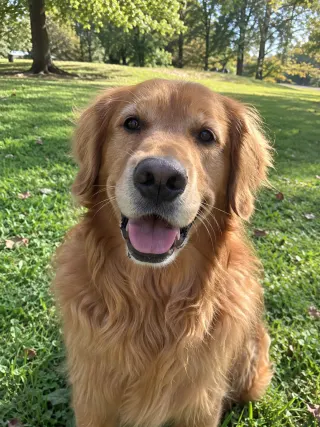 Biscuit
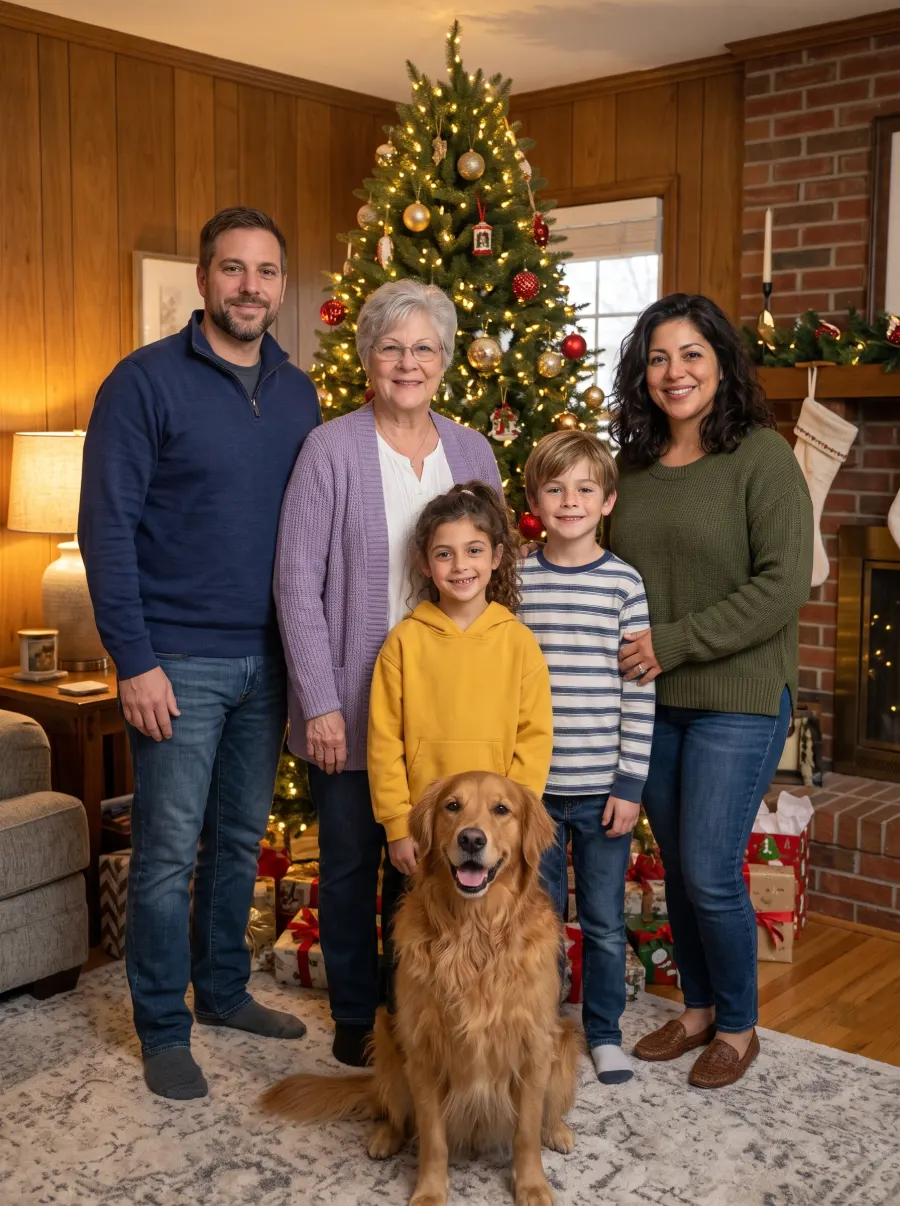
AI-generated example · fictional people
Matching Pajamas
 Daniel
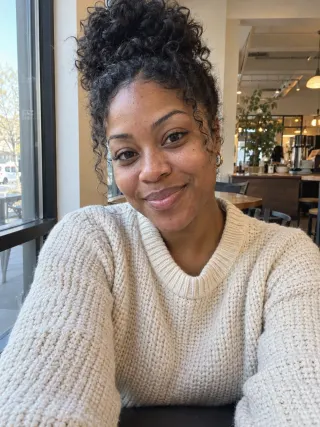 Imani
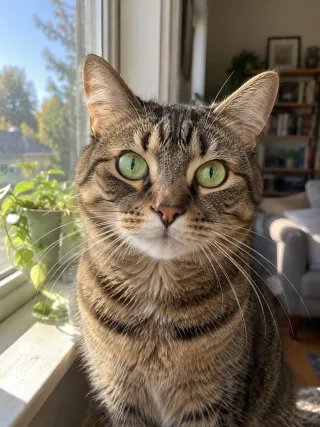 Pepper
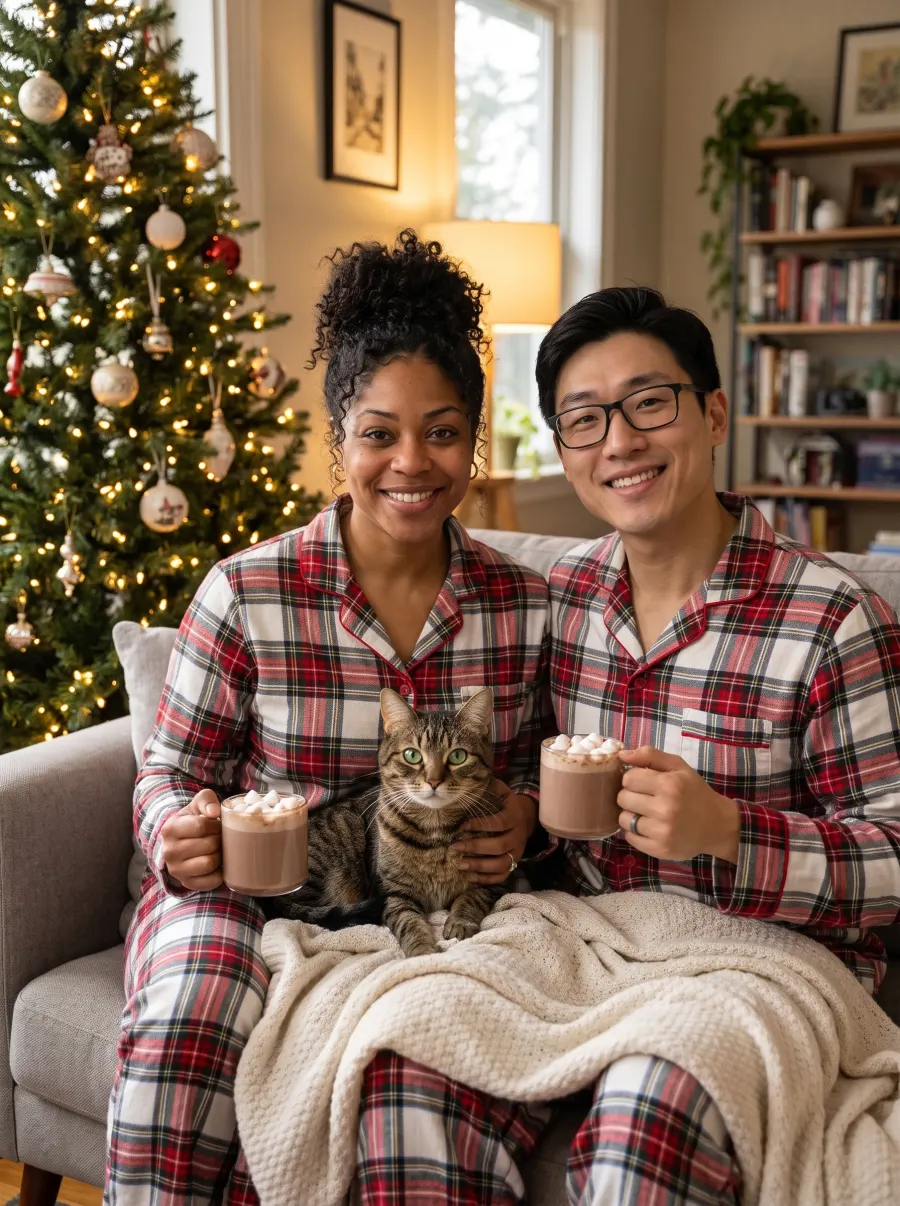
AI-generated example · fictional people
Snowy Cabin
DadMaya, 9Leo, 5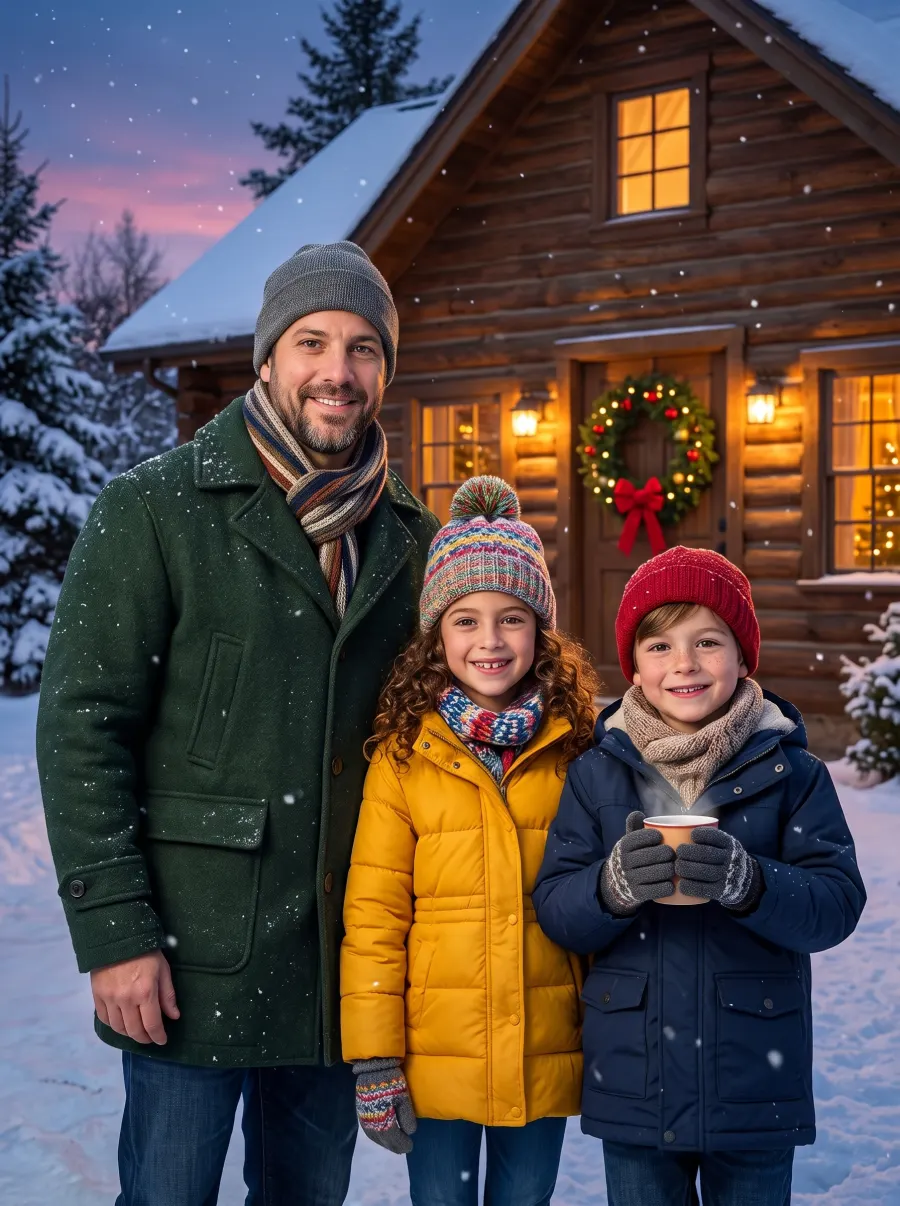
AI-generated example · fictional people
By the Fireplace
GrandmaMaya, 9Leo, 5Biscuit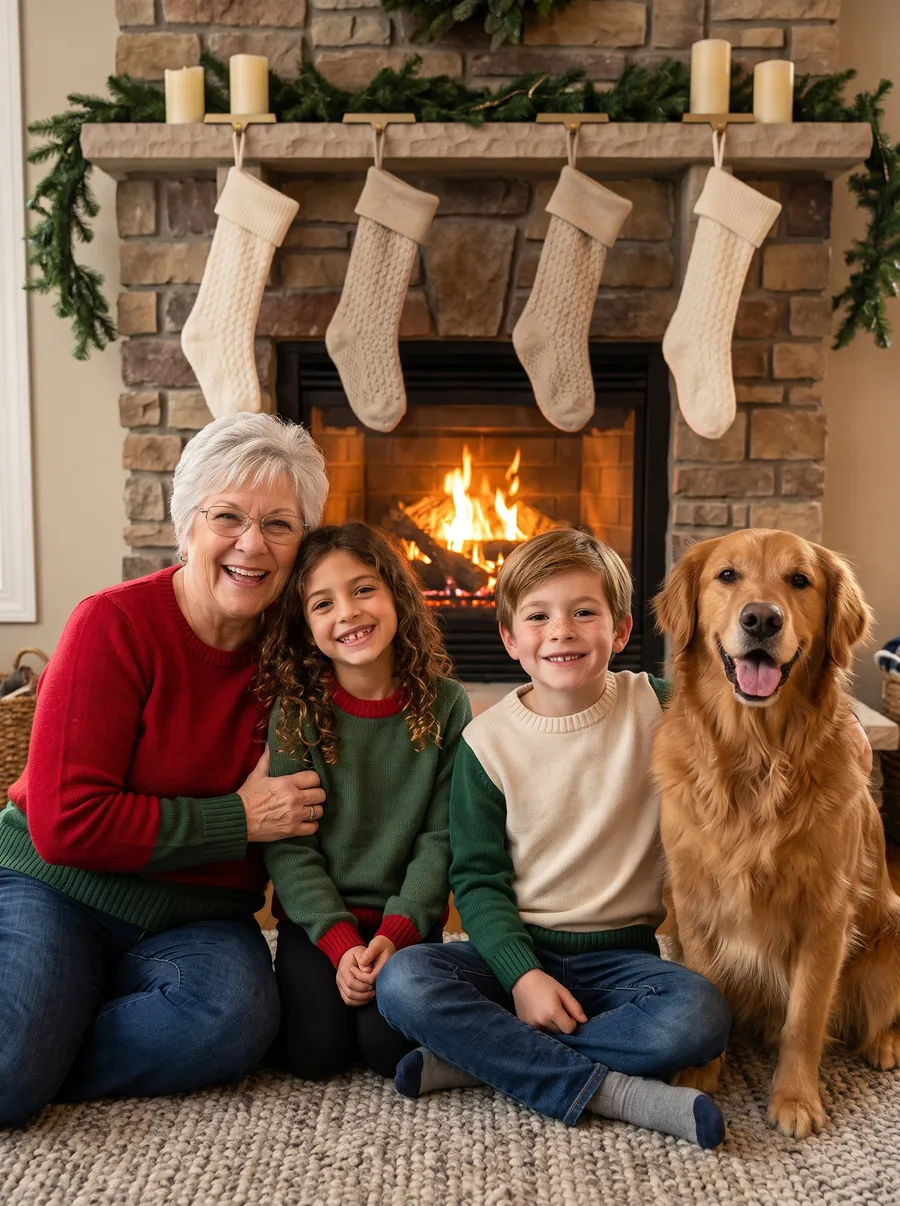
AI-generated example · fictional people
Santa’s Workshop
Maya, 9Leo, 5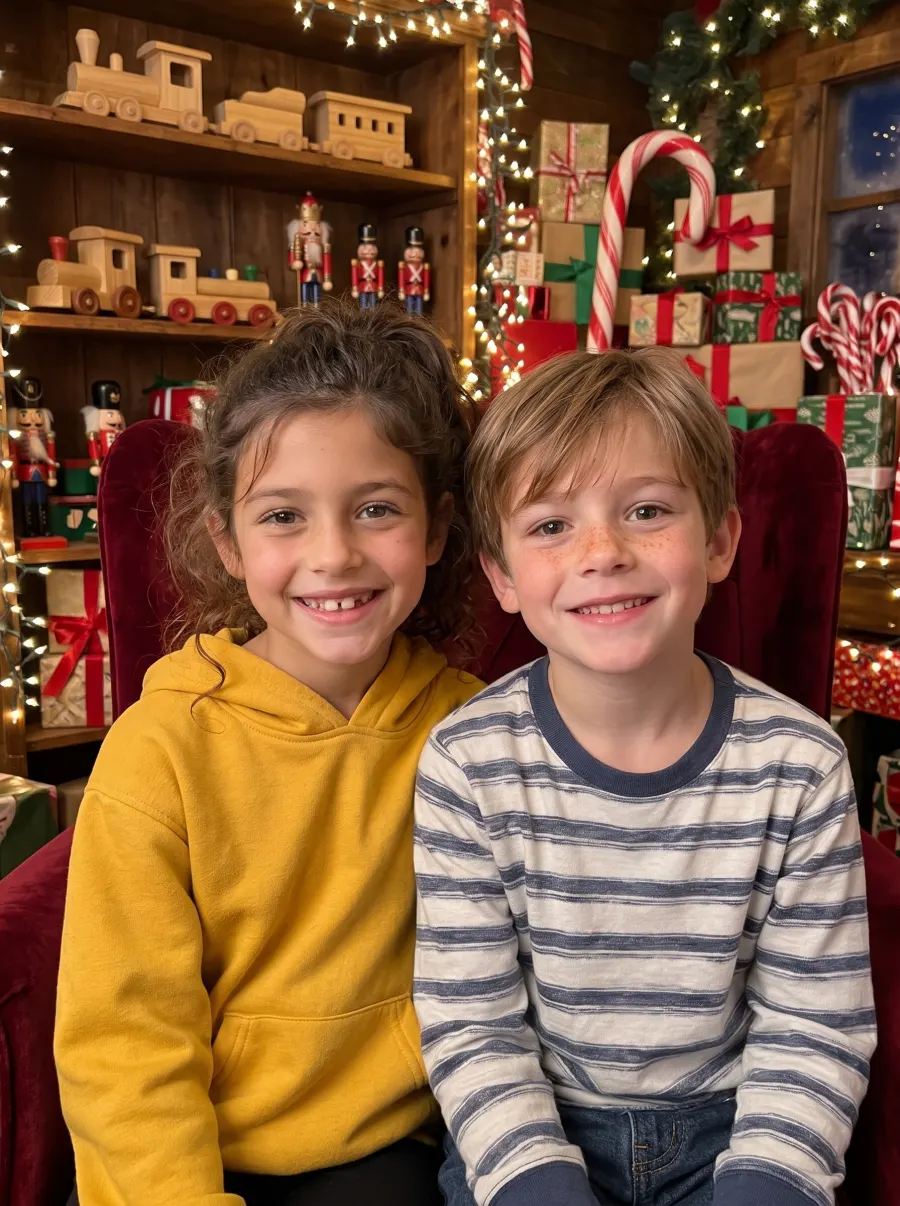
AI-generated example · fictional people
Christmas Market
DanielImani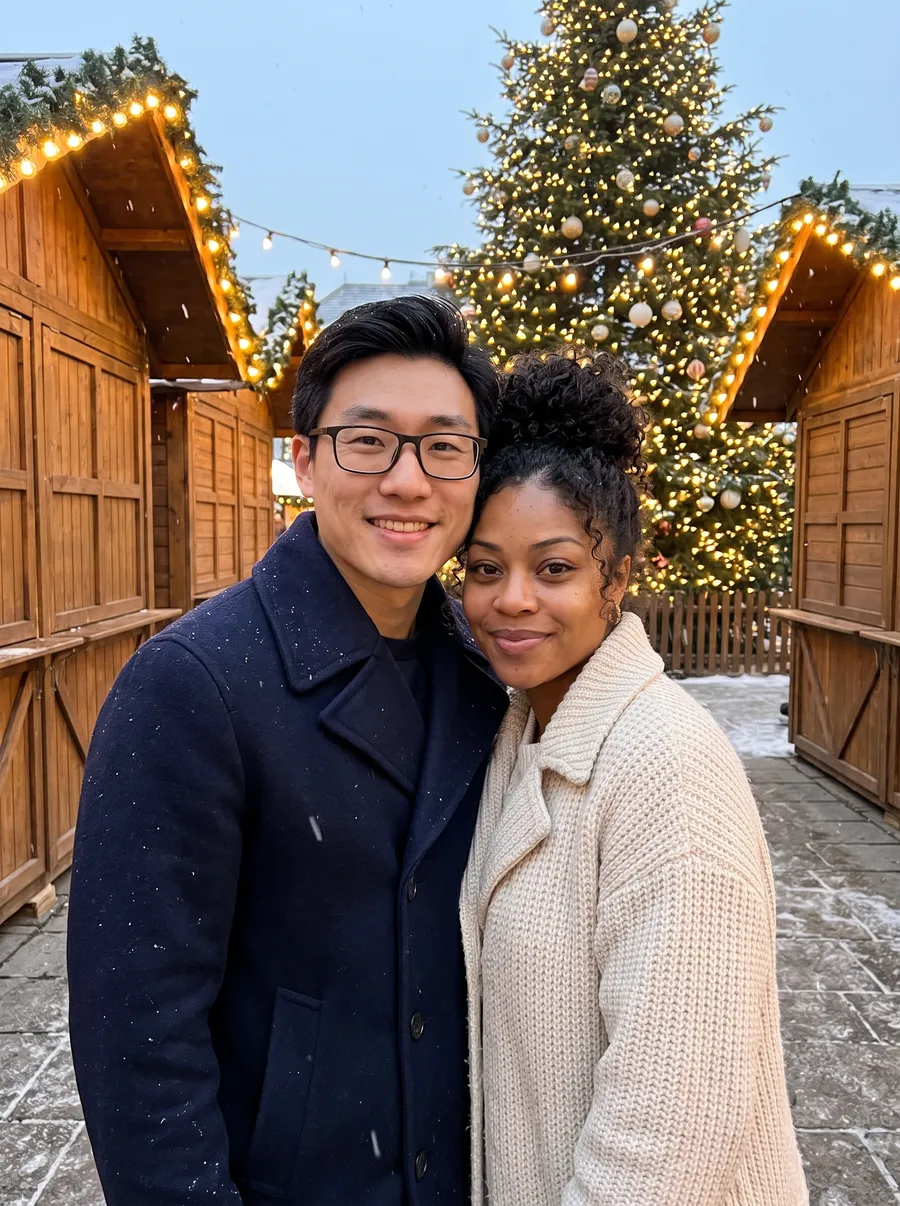
AI-generated example · fictional people
Santa Hat
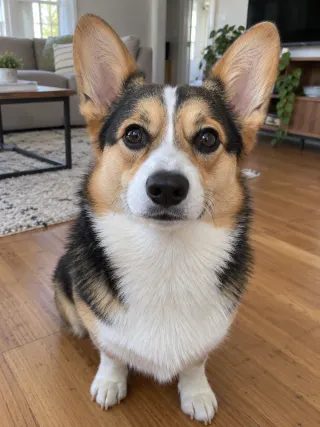 Waffles
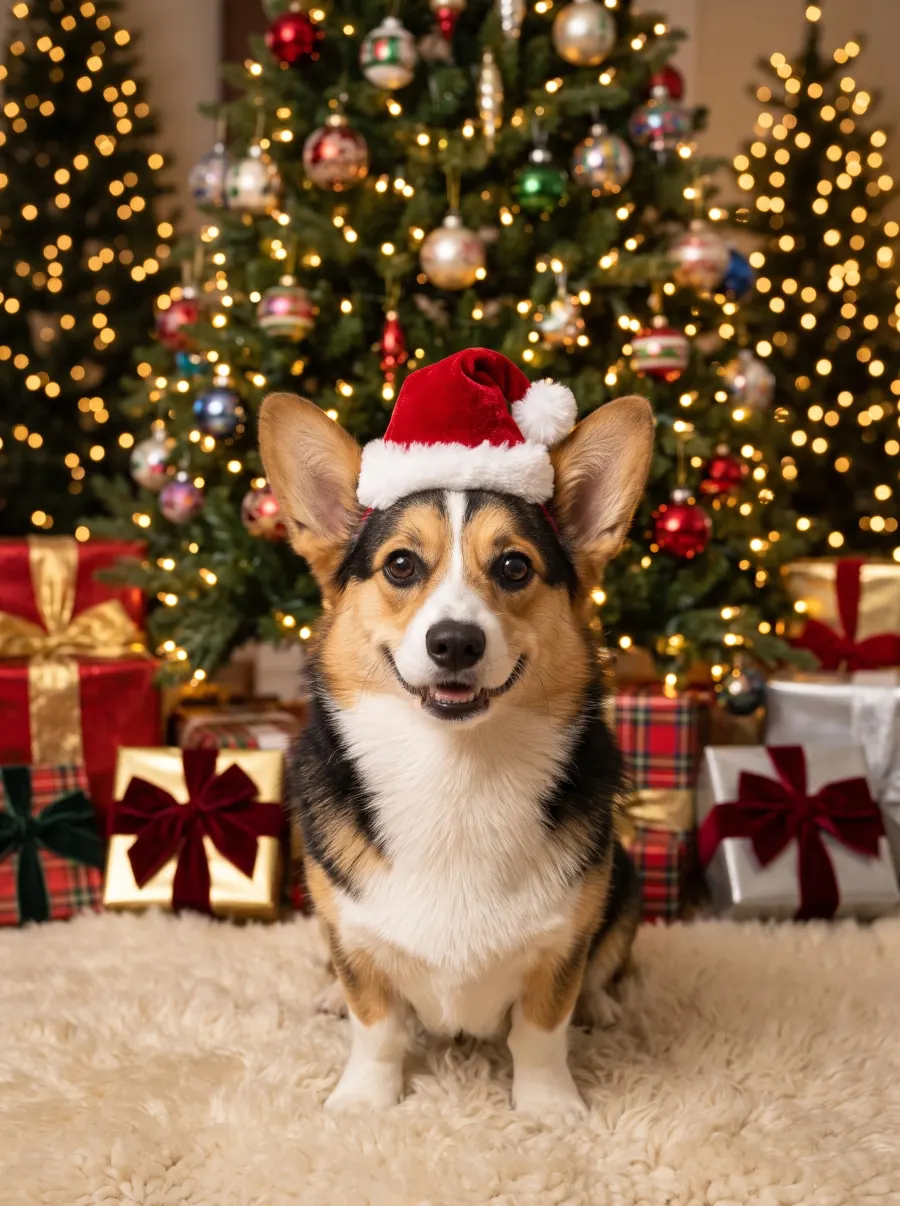
AI-generated example · fictional people
Reindeer Antlers
Biscuit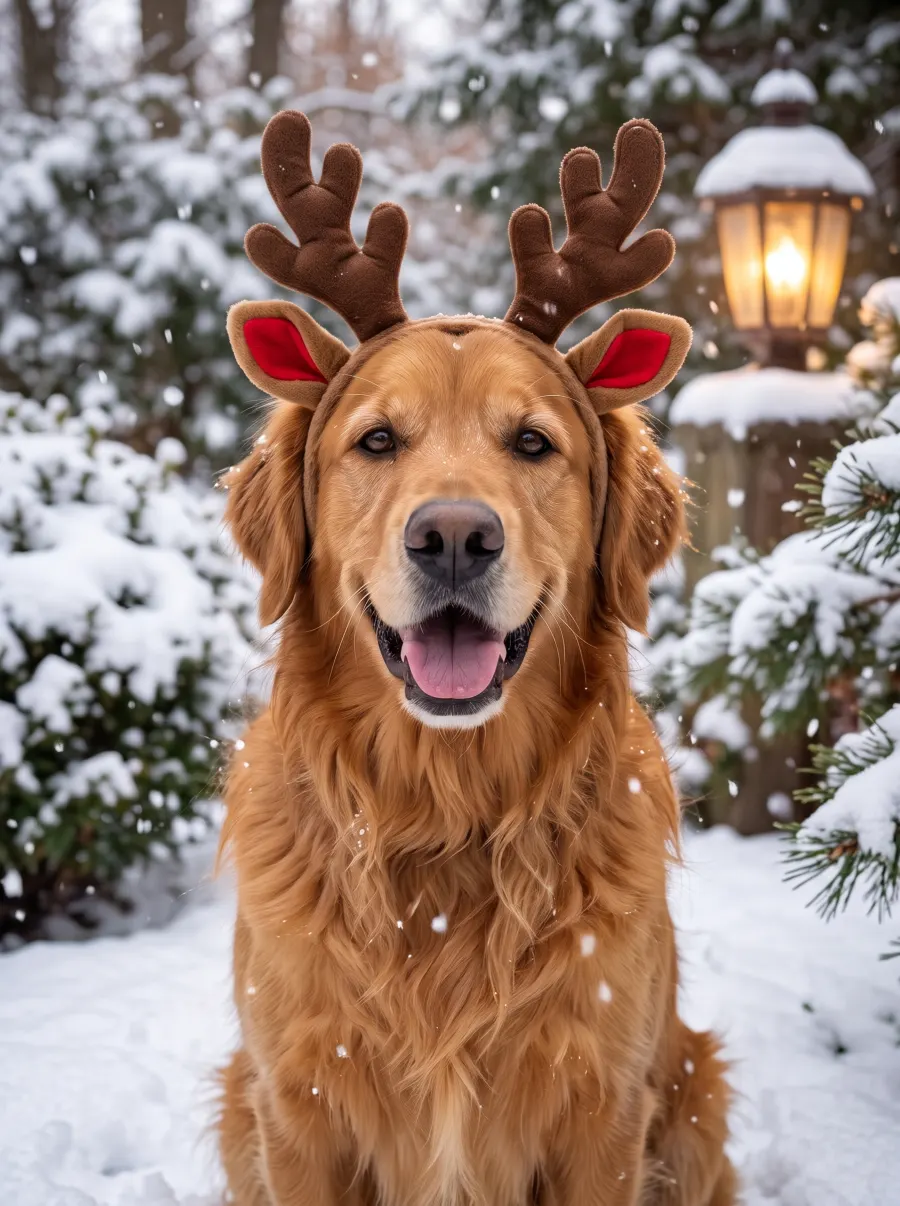
AI-generated example · fictional people
Cozy Scarf
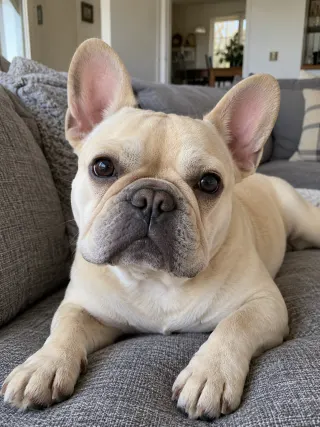 Mochi
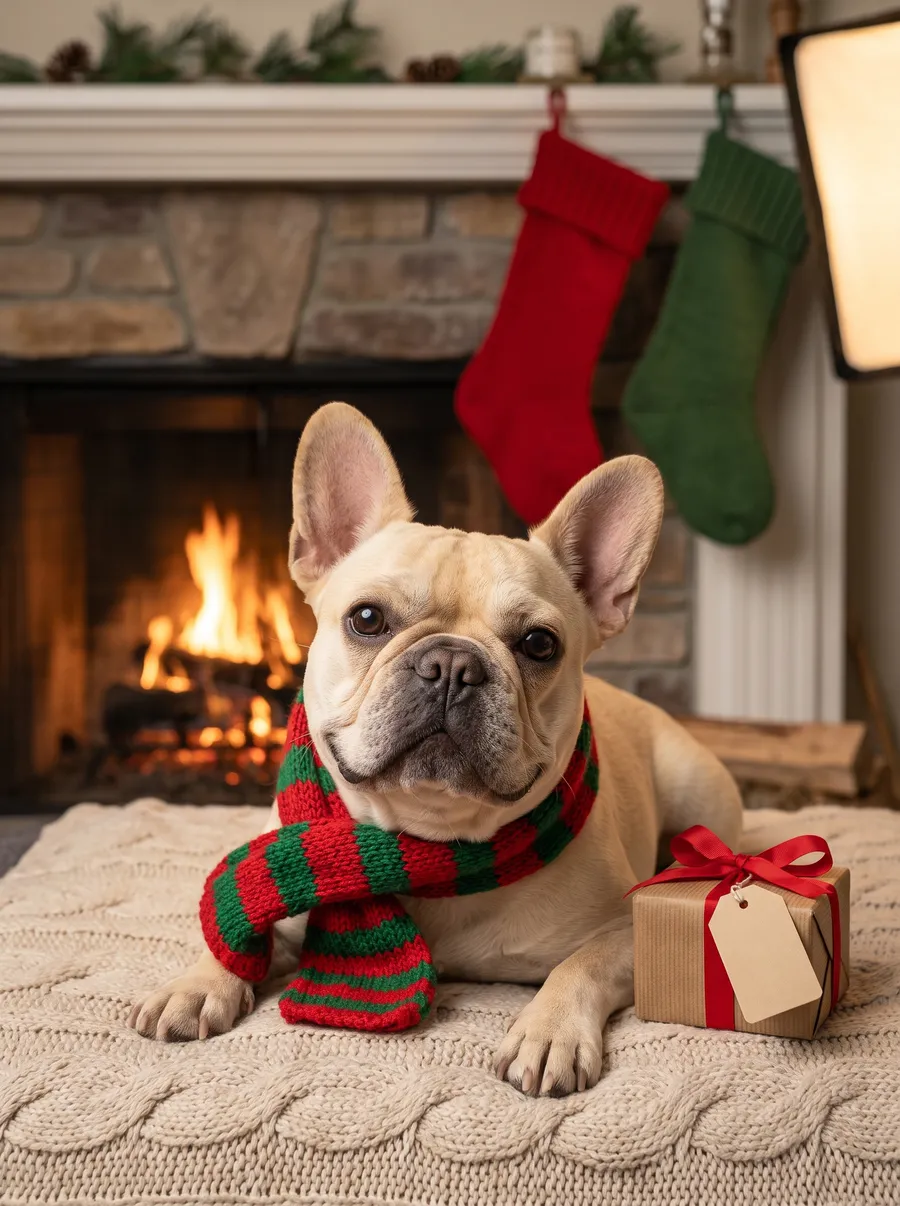
AI-generated example · fictional people
Gift Pile
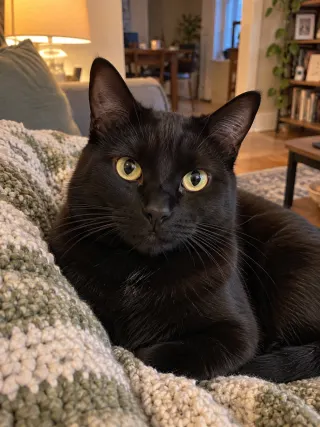 Salem
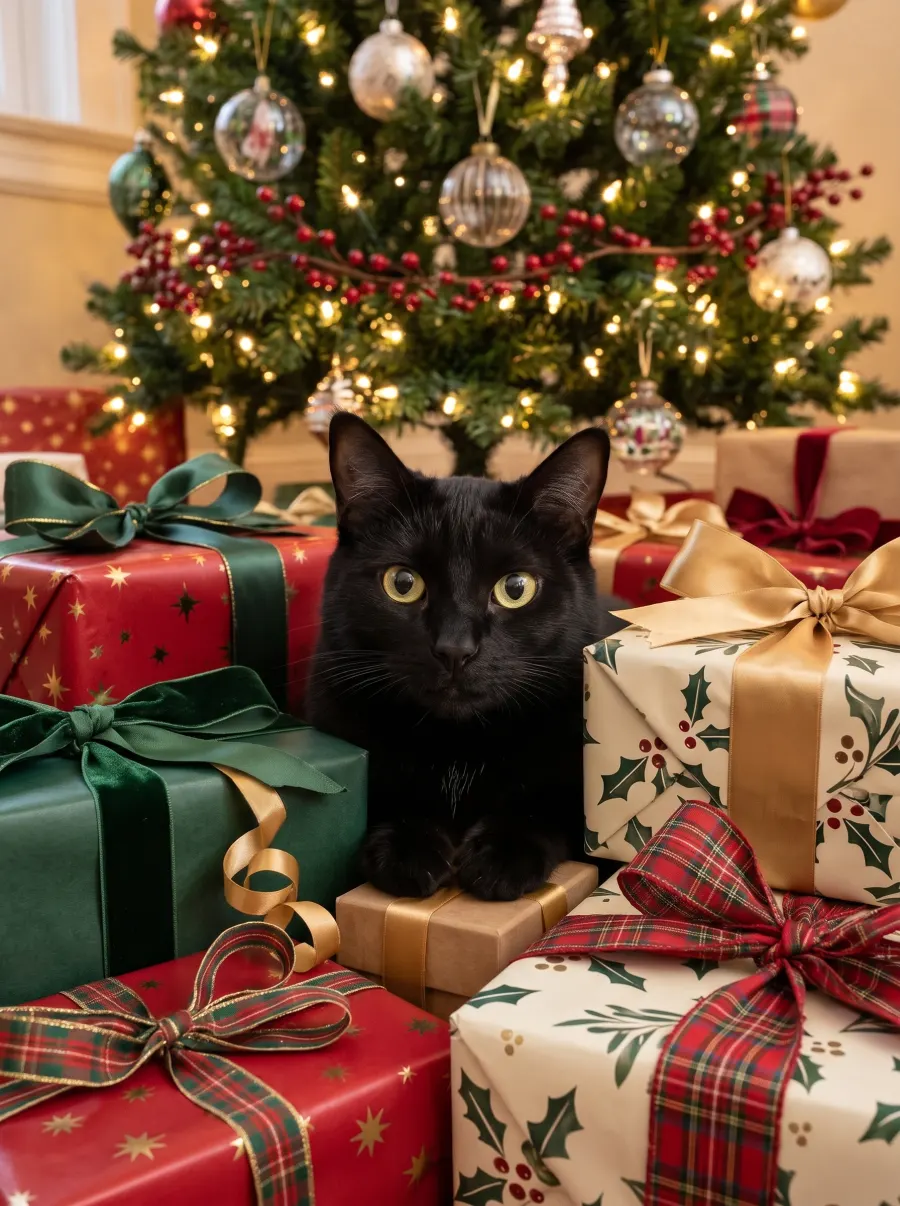
AI-generated example · fictional people
Snow Globe
DanielImaniPepper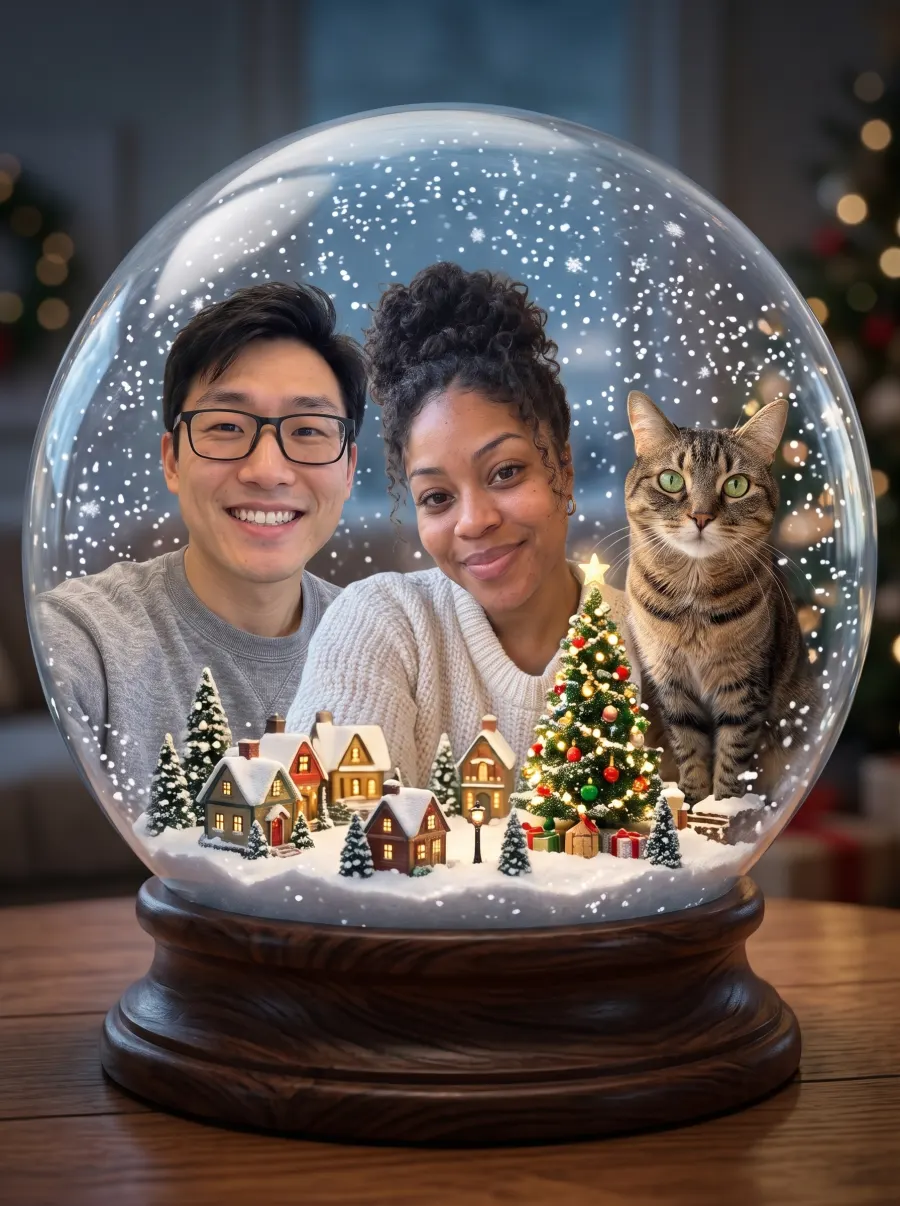
AI-generated example · fictional people
What usually stays and what changes
The AI draws a new picture, so poses, hands, backgrounds and often clothes are new. In some scenes everyone keeps the clothes from their own photo (Christmas Tree, Santa’s Workshop, Snow Globe); in others the scene dresses them (pajamas, winter coats, Christmas sweaters).
Faces, apparent ages, glasses, hair and pet markings are guided by each photo, but can still come out slightly different. Faces are most accurate with up to 5 people in one picture.
How to check your own preview
- Count everyone: every person and pet you uploaded, and nobody extra.
- Compare each face, age and pair of glasses with its photo.
- Check each pet’s coat color and markings.
- If someone looks off, try a clearer, front-facing photo of that person.
Try it with your own photos: the AI Christmas photo generator gives you a free preview with no sign-up, or start from the AI family Christmas photo page. How we make examples: About AI Christmas.
Your family Christmas photo, without the photo shoot
Upload everyone’s photo, pick a scene, see your free preview in a minute or two.