Santa Caught on Camera
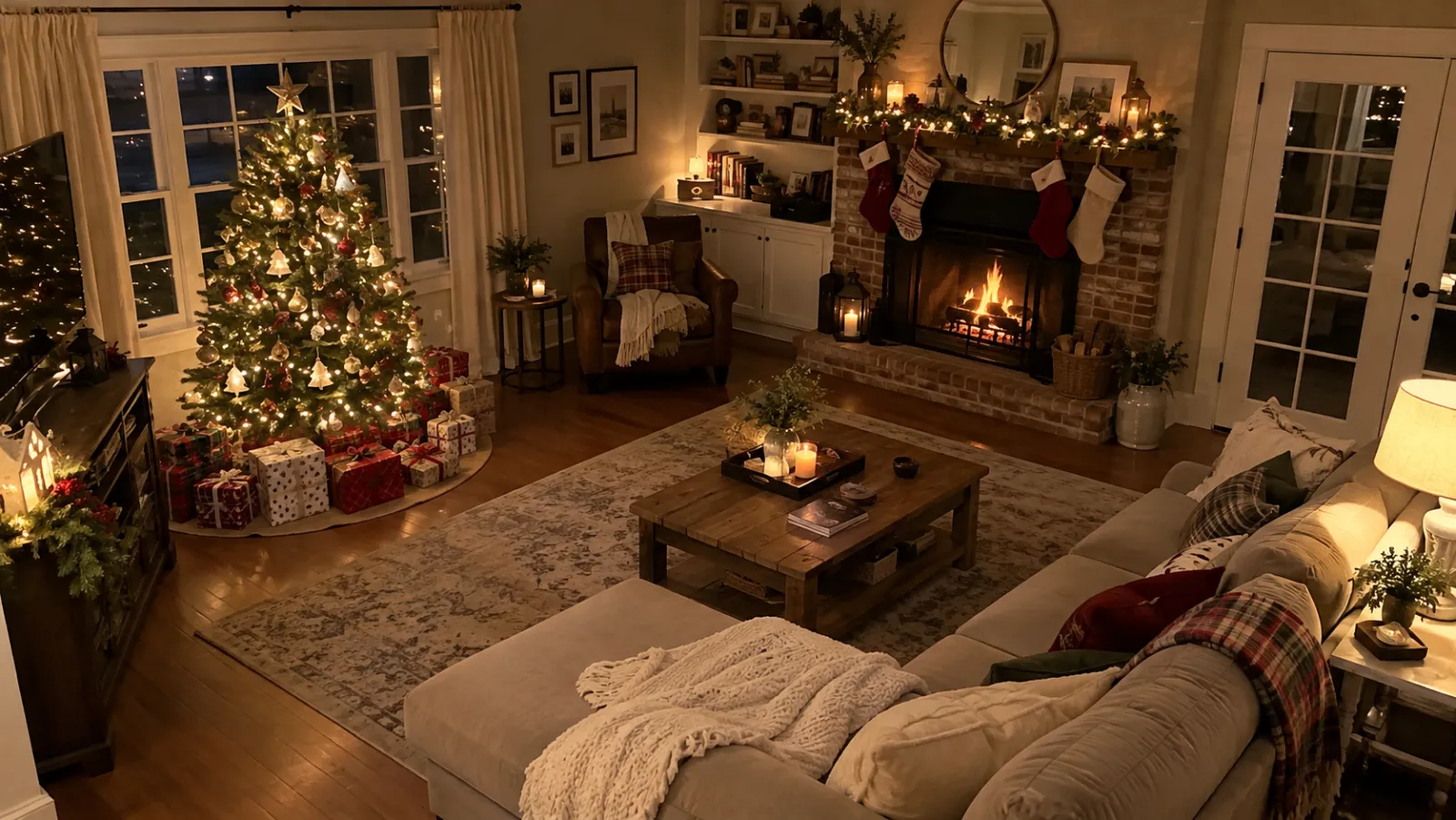
Santa caught on camera in your own home: upload a photo of your living room or Christmas tree and get a security-cam style video of Santa sneaking in to leave presents.
- Your real room, night-vision security-cam look
- Santa tiptoes in, leaves gifts, waves at the camera
- 10 seconds, landscape, ready for Christmas morning
One photo per person · ready in about 3–5 minutes
Add a photo of your room
Any photo of the room where Santa should appear — your tree, the fireplace. No people needed.
Santa caught on camera
Santa sneaks into your room on a security cam. 10 seconds, HD, security-cam style.
Starter pack: 1 video (12 credits), one-time payment. Rendering starts right after checkout (about 3–5 min).
- Your video is ready in about 3–5 minutes.
- Photos auto-delete within 7 days. Never used for training.
How it works
- 1
Upload your photos
One clear photo per person — or a photo of your room for Santa cam.
- 2
We set the scene
Christmas outfits, lights and music, built around your real faces.
- 3
Get your video
10 seconds, HD, ready to share in about 3–5 minutes.
Your family’s photos, handled with care
Read the privacy policy in plain English.
Every face stays theirs
Each person and pet has their own reference photo — no blended strangers.
Deleted within 7 days
Uploads, photos, videos and e-cards. Never used to train AI.
Parents upload kids
Children’s photos only from a parent or guardian.
Failed? Credits back
If a generation fails, credits return automatically.
Proof for the kids on Christmas morning
Take a photo of the room where the presents go — the tree, the fireplace, the living room. We turn it into a night-time security camera shot with a timestamp, then Santa sneaks in, places presents under the tree, notices the camera and waves.
No people are needed in the photo, so it works for any home.
Simple, one-time pricing
Start with a free preview. Pay once — no subscription. A family photo session costs $250+; this doesn’t.
Credits are shared: each HD photo uses 1, each 10‑sec video uses 10. Spend them on any mix. Credits never expire.
One-time payment, no subscription.
All photos are 2K, print-ready 5×7.
Questions, answered
What photo should I upload?
A clear, wide photo of the room where Santa should appear — ideally with the tree or fireplace visible and the room tidy.
How much does it cost?
10 credits per video. The Starter pack ($9.99, 12 credits) covers one video; the Family pack ($19.99, 50 credits) covers 5.
How long does it take?
Photos take about 30–60 seconds. Videos take about 3–5 minutes; you can close the page and find them in My Creations.
What if a generation fails or I don’t like it?
If a generation fails, your credits go back to your account automatically. Unused credits can be refunded within 7 days — see the refund policy.
What happens to my photos?
Your photos are used only to make your creations and are never used to train AI models. Everything you upload or create — photos, videos and e-cards — is deleted automatically within 7 days, and you can delete it sooner in My Creations. Download the ones you love.




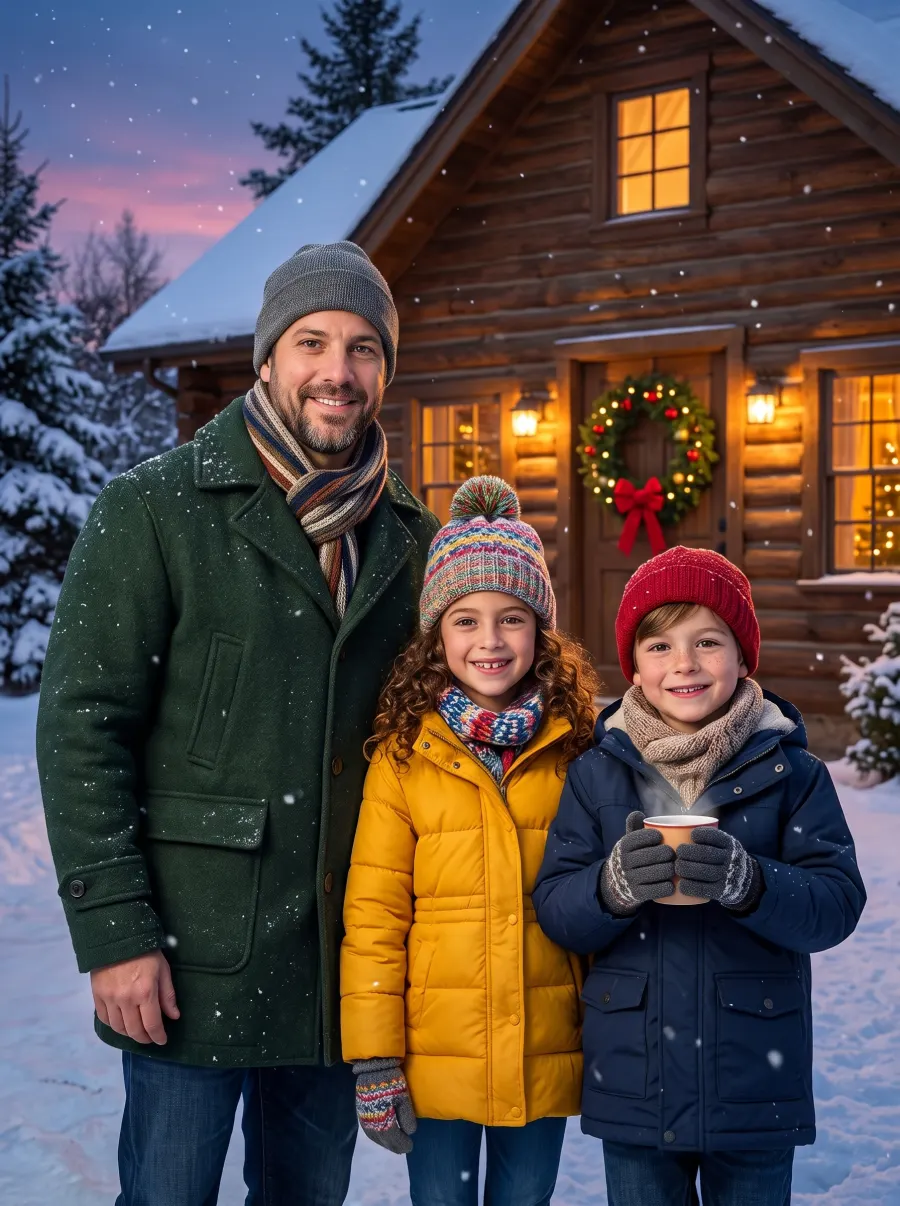



Your family Christmas photo, without the photo shoot
Upload everyone’s photo, pick a scene, see your free preview in about a minute.